

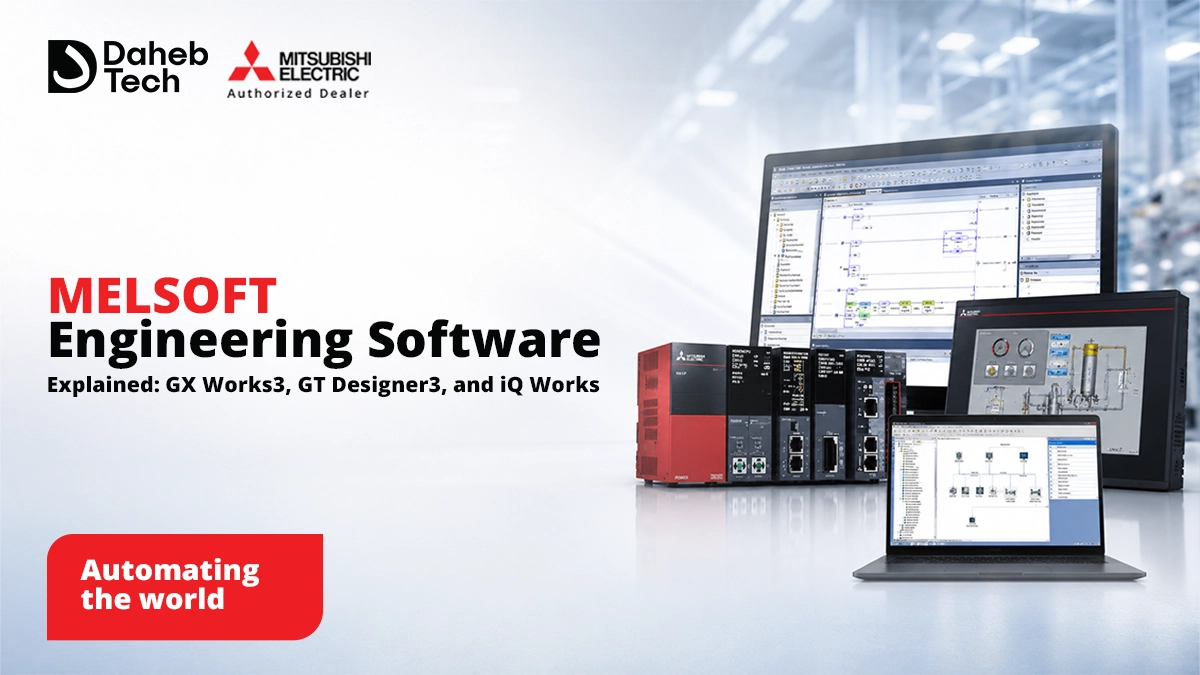
MELSOFT is Mitsubishi Electric's family of engineering software GX Works3 for PLC programming, GT Designer3 (part of GT Works3) for HMI screen design, MT Works2 for motion control, FR Configurator2 for VFD setup, and MELSOFT iQ Works as the integration layer that ties them together into one project. Choosing hardware without evaluating this software layer is one of the most common blind spots in an automation purchasing decision the software is what your engineering team will actually spend most of their time in.
When plants compare PLCs, HMIs, or drives, the conversation almost always centers on hardware specs: I/O count, processor speed, screen size. The engineering software that programs, configures, and maintains that hardware over its entire lifecycle gets far less attention despite being where engineers spend the majority of their working hours during commissioning, troubleshooting, and later modifications. This guide breaks down Mitsubishi's MELSOFT software family so the decision includes the tool your team will actually live in, not just the hardware it controls.
The engineering software is sometimes described as a fundamental part of the control system in its own right, not just an accessory to it spans the entire product lifecycle, from initial system design through commissioning and long-term maintenance. A few practical reasons this matters:
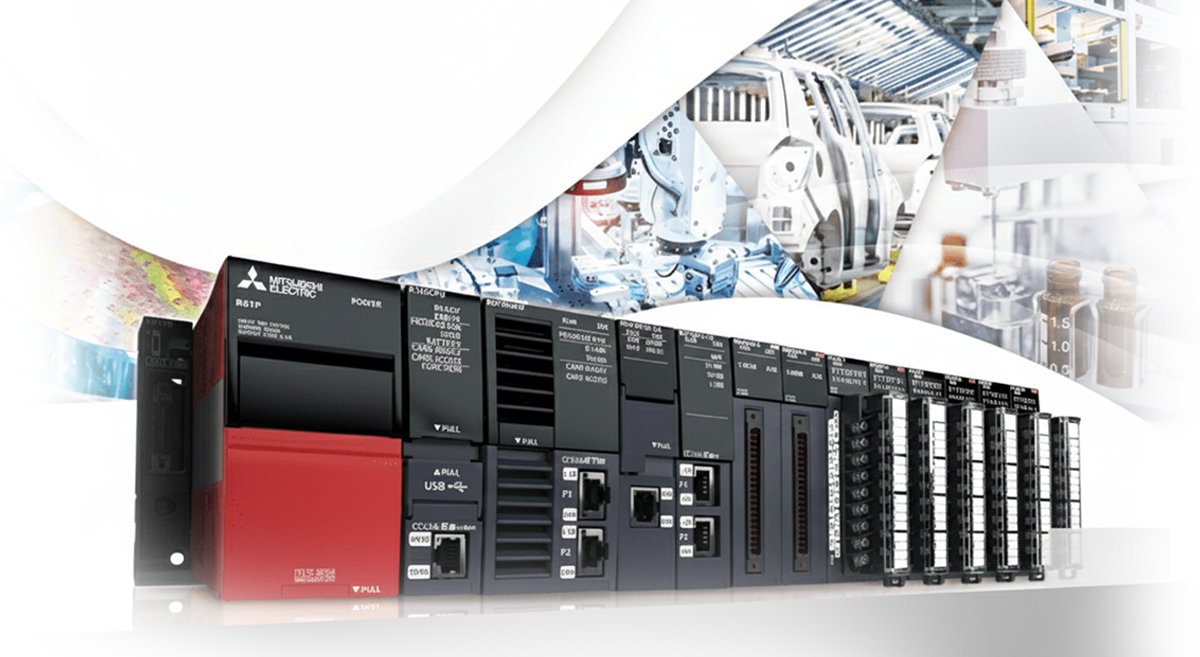
GX Works3 is Mitsubishi Electric's current-generation programming and maintenance software, built specifically for the MELSEC MX Controller, MELSEC iQ-R, and MELSEC iQ-F / FX5 series control systems. Key capabilities include:
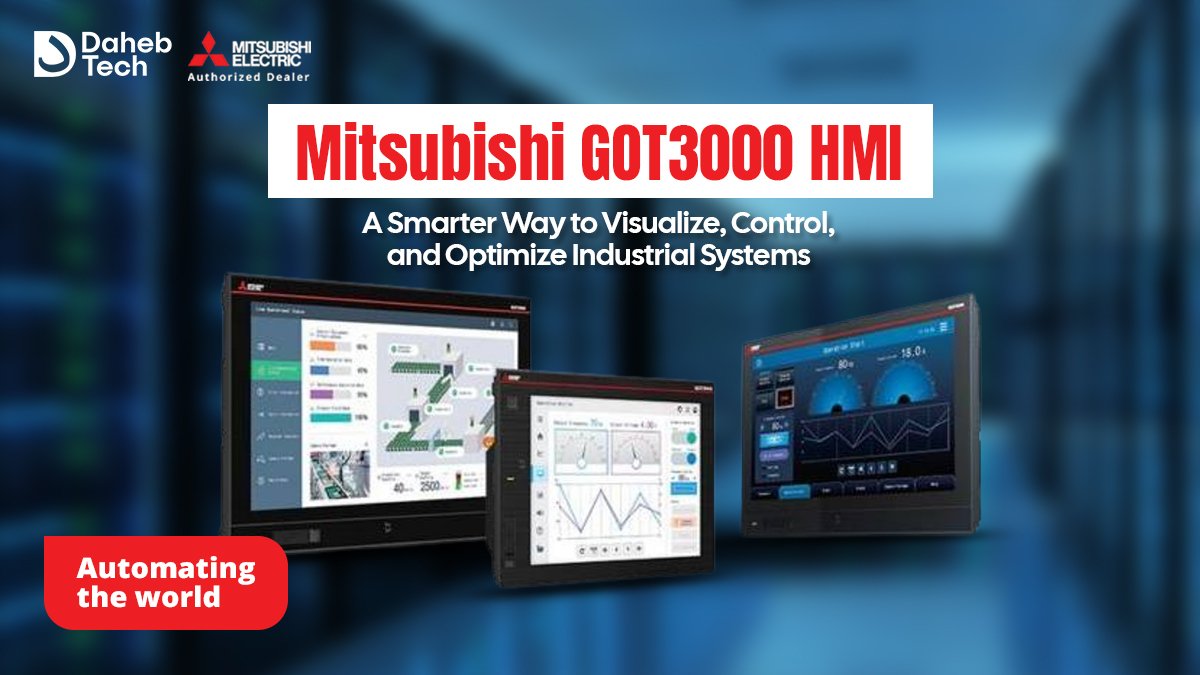
GT Designer3, part of the broader GT Works3 suite, is the software used to build screens for Mitsubishi's GOT2000 and GOT3000 HMI platforms. Relevant capabilities:
Individual software tools solve individual problems iQ Works is what ties them into a single coordinated project. It's an integrated suite consisting of GX Works3, MT Works2 ( motion ), GT Works3 ( HMI ), RT ToolBox3 mini ( robotics ), and FR Configurator2 ( drives ), coordinated through MELSOFT Navigator as the central configuration interface. What this actually delivers:
The same software family extends to the rest of a typical automation system:
Because all of these connect through iQ Works, a plant running PLCs, HMIs, servo motion, drives, and robots from the same platform family can manage the whole system through one coordinated engineering environment rather than a collection of disconnected tools.
|
|
|
|
|
|
|
|
|
|
|
|
|
|
|
|
|
|
|
|
|
A few practical questions worth asking before a plant commits to an engineering software ecosystem:
Is MELSOFT software free, or does it need to be purchased separately from the hardware?
Software licensing varies by product and package this is worth confirming directly with your distributor for the specific hardware combination you're evaluating, since some packages bundle software while others license it separately.
Do I need iQ Works if I'm only using a PLC and no other Mitsubishi hardware?
No. GX Works3 alone is sufficient for PLC-only programming. iQ Works becomes valuable specifically when a project spans multiple hardware types PLC, HMI, motion, drives and benefits from shared labels and centralized configuration.
Can GX Works3 projects from older software be migrated forward?
Migration paths exist between generations of Mitsubishi's engineering software, though the specifics depend on which legacy platform and controller series are involved worth checking against your exact hardware before planning a migration.
Does the choice of engineering software affect which PLC or HMI hardware I should buy?
It can. Since software is typically matched to specific hardware series, standardizing your engineering software choice early can simplify future hardware selection by narrowing which product lines integrate cleanly with your team's existing skill set.
Daheb Tech's technical team can help you evaluate which MELSOFT tools fit your current hardware and where a more integrated setup would save engineering time. Get in touch or explore our full product range.